
 Welcome bonus250 Free Spins + 100% bonus for the first 2 deposits
 Regular bonusesGrab up to 75 Free Spins + 30% bonus
- CashbackUp to 10%


App
Spinobon Casino App
More and more players are choosing mobile over desktop, and honestly, it’s easy to see why. Having the full casino experience in your pocket — without hunting for an app in a store or waiting for a download — is just more convenient. The Spinobon App runs as a progressive web application, meaning you install it straight from your browser in seconds and it works on pretty much anything you own.
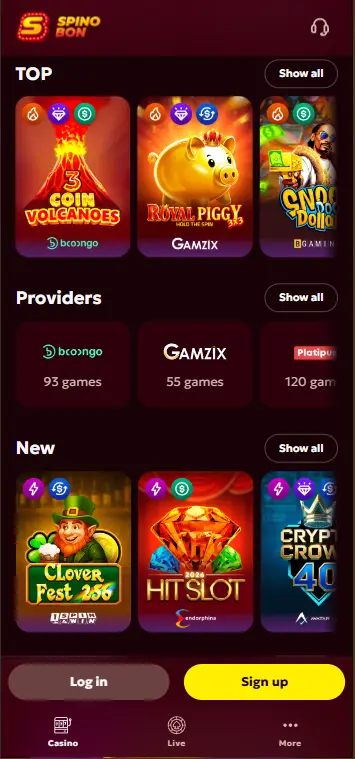
What Is the Spinobon Application and How Does It Work
Forget the App Store and Google Play. The Spinobon Application is a PWA — it lives in your browser but behaves like a proper app once installed. No storage eaten up, no update notifications, no fuss. It lands on your home screen, opens in full-screen, and you’re in.
The Spino bon Application plays nicely with all major operating systems and browsers without any tinkering needed. Touch controls feel responsive, pages load fast, and the layout adjusts to whatever screen you’re on. Your account, deposits, bonuses, and support are all there — identical to what you’d get sitting at a desktop.
Spinobon Android App: Installation on Android Devices
On Android it takes under a minute, and you don’t need anything beyond Chrome — which is already on most phones and tablets. The Spinobon Android App installs directly from the browser with just a few taps.
Here’s how to do it:
- Open the Spinobon website in Chrome on your Android device
- Tap the three-dot menu in the top-right corner
- Select “Install app” from the dropdown
- Confirm and the icon appears on your home screen
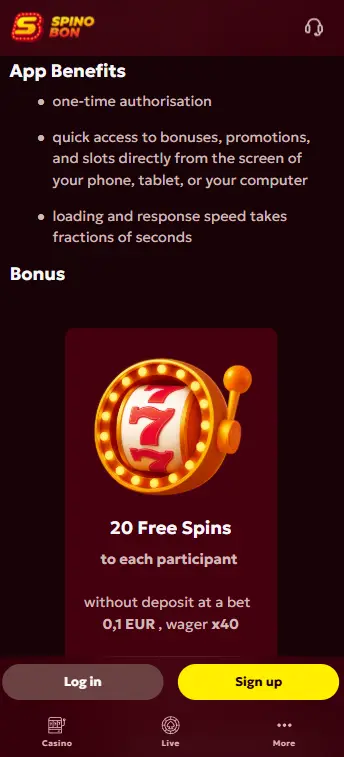
From that point, the Spino bon App opens straight away without pulling up a browser tab. Everything stays accessible — live tables, slots, promotions, the lot. New users get 20 no-deposit Free Spins credited automatically after installation, available once per account.
Spinobon IOS: Installation on Apple Devices
iPhone and iPad users go through Safari rather than Chrome, but the result is the same. The Spinobon IOS version runs well on any device with a recent iOS version, and the process takes about thirty seconds.
Steps to add it to your home screen:
- Open Safari and head to the Spinobon website
- Tap the Share button at the bottom of the screen
- Choose “Add to Home Screen”
- Rename it if you like, then tap “Add”
You end up with a home screen icon that opens the casino full-screen — clean, fast, and no browser clutter. The 20 no-deposit Free Spins apply here too, credited automatically to the Bonuses section of your profile once the app is set up.
Desktop Installation: Windows and macOS
The PWA isn’t just a mobile thing — you can pin it to your desktop too, which gives you a dedicated window rather than another browser tab to lose track of.
| Device | Browser | Installation Method |
| Android | Chrome | Three-dot menu → “Install app” |
| iOS | Safari | Share → “Add to Home Screen” |
| Windows | Chrome | Click install icon next to the address bar |
| macOS | Safari / Chrome | Share → “Add to Dock” |
Whether it’s a work Mac or a home PC, the setup takes a couple of clicks and you get the full site experience — nothing stripped out, nothing simplified. Same games, same account, same everything.
Mobile Gaming Experience and App-Only Promotions
The platform holds up well across all devices — loading times are quick, navigation is intuitive, and nothing feels cramped on a smaller screen. The Spinobon Casino App gives you the complete game library: slots, live dealer tables, sports betting, all of it running without any drop in quality.
On top of the welcome offer — 250 Free Spins on your first deposit and a 100% match up to £200 on your second — there are deals you can only get through mobile. The Spinobon App exclusive is 20 no-deposit Free Spins, dropped into your account automatically after installation with no code needed. The usual terms apply: wager the winnings before withdrawing, and use the reward within the validity window.
Wednesday Free Spins, the Sunday reload, and weekly cashback all come through on mobile just as they would on desktop. Balance,